Technology
What is an SSL certificate, and why does your website need one?
Short answer
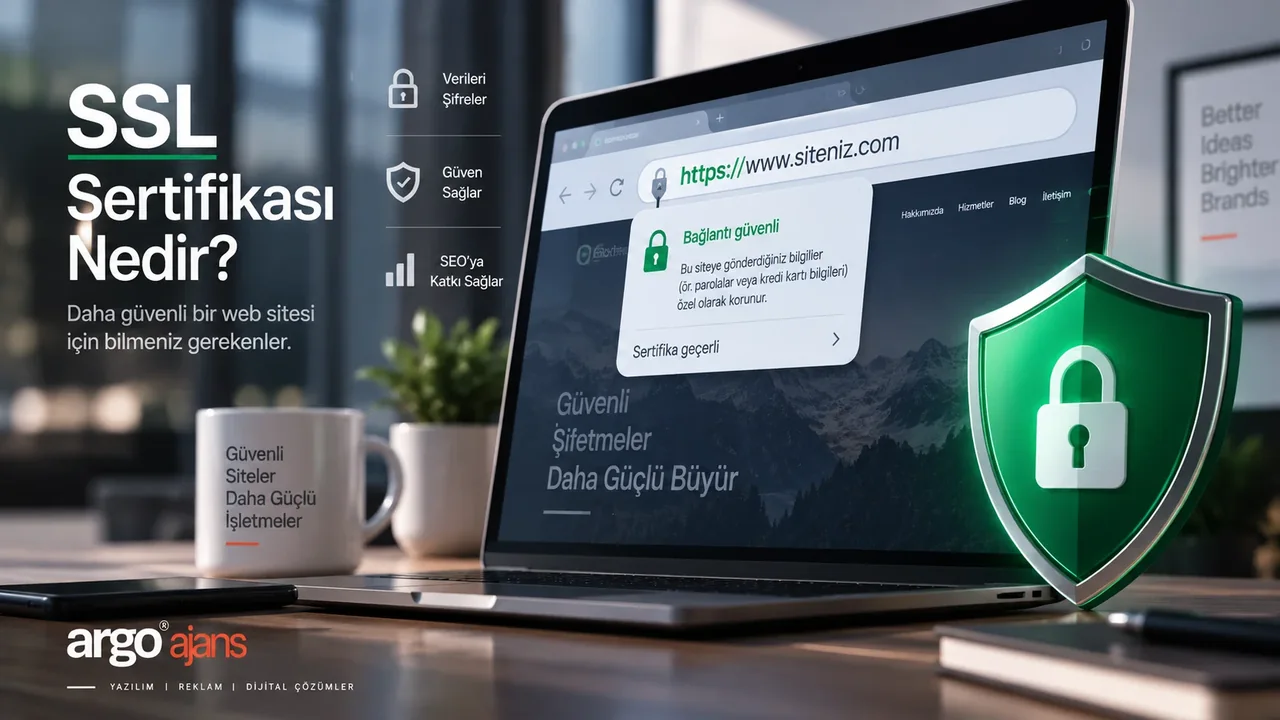
An SSL certificate is a digital credential that encrypts traffic between your website and a visitor’s browser, and confirms the site genuinely belongs to its real owner. A site without one gets a “not secure” browser warning, loses visitor trust, and misses out on a Google ranking signal.
What an SSL certificate is and how it works
SSL (Secure Sockets Layer) has largely been replaced under the hood by a newer protocol, TLS, but the name still sticks around in everyday use. In practice, “SSL certificate” refers to the digital certificate that sets up an encrypted connection between your server and a visitor’s browser, and verifies the server’s identity. It’s issued by an independent certificate authority, which confirms you genuinely control the domain — and, for some certificate types, that your company genuinely exists.
Technically, here’s what happens: when a visitor connects to your site, their browser and your server perform a “handshake,” during which the certificate is verified and an encrypted channel is opened between the two. From that point on, everything exchanged — passwords, card details, form data — travels encrypted, in a form an eavesdropper on the connection can’t read.
HTTPS vs HTTP: what’s the difference
The https:// prefix in the address bar is the visible proof that your site has a certificate — the trailing “S” stands for “secure.” A site without one only serves pages over http://, and everything exchanged on that connection travels as plain, unencrypted text. Anyone sharing the same network — on a café’s public Wi-Fi, for instance — could theoretically observe that traffic. Moving to HTTPS removes that risk, and it’s also a prerequisite for most modern browser features, from geolocation to payment APIs.
What the browser’s “not secure” warning actually means
Chrome, Firefox and other major browsers display an explicit “Not secure” warning in the address bar for sites without a certificate, and that warning becomes more prominent when the page has a form or a login field. Most visitors who see it don’t trust the page and leave right away — on a contact form, signup page or checkout step, that’s a direct loss of business.
It doesn’t always mean your site’s been hacked
An important distinction: this warning usually doesn’t mean your site has been compromised — it simply means the browser can’t confirm the connection to your server is encrypted and verified. The most common cause is a certificate that was never installed, has expired, or was issued for the wrong domain. Still, it’s unrealistic to expect a visitor to tell the difference; the outcome is the same either way: lost trust.
SSL certificate types: DV, OV, EV
Three main types exist on the market, and the right choice depends on what your site does:
- Domain Validation (DV): verifies only that you own the domain, issued within minutes and often free. Sufficient for corporate sites, blogs and brochure sites.
- Organization Validation (OV): verifies domain ownership plus your company’s actual existence — a good fit for businesses that want their corporate identity to be visible.
- Extended Validation (EV): requires the most thorough verification process, and is favoured in sectors like banking and finance that need the highest visible trust.
For most corporate websites and small-to-medium ecommerce projects, DV or OV is genuinely enough in practice — EV’s added cost doesn’t make a visible difference for most industries.
What happens without an SSL certificate
The effect on search rankings
Google has stated openly that it has used HTTPS as an official ranking signal since 2014. That doesn’t guarantee a top spot on its own, but between two pieces of content of equal quality, the HTTPS one starts ahead. Google’s own guide to securing your site with HTTPS covers this in detail, along with what to watch for during a site migration.
The effect on customer trust, especially for ecommerce
On any site that collects payment details, personal data or form submissions, an SSL certificate has stopped being optional — it’s now a baseline expectation. Most visitors who see the address-bar warning stop before entering their card details, and that behaviour directly affects conversion rate. For ecommerce sites, this is one of the foundational infrastructure decisions we cover in our guide to building an ecommerce website.
Free or paid: Let’s Encrypt and commercial certificates
Non-profit certificate authorities like Let’s Encrypt issue free, automatically renewing DV certificates, and that’s enough for the large majority of websites today. Most hosting providers offer this integration as a one-click option in their control panel. For projects that need verified corporate identity, warranty coverage, or a specific browser compatibility guarantee, a paid commercial certificate is worth considering — but for most small and medium businesses, it’s an extra layer of assurance rather than a requirement.
How to set up an SSL certificate: the basic steps
The setup process varies by hosting environment, but the general flow is: request a certificate for your domain (usually through your hosting control panel), the certificate authority verifies you own the domain, the certificate gets installed on your server, and finally, every page on the site needs to actually serve over https:// instead of http://. That last step is the one most often skipped — even with a certificate installed, if old links still point to the http:// version, visitors keep landing on the unsecured one.
What happens when the certificate expires
SSL certificates have a validity period (typically a year or less today), and once it expires, the browser shows a far more serious, hard-to-bypass security screen instead of a routine warning — the site effectively becomes unusable. This happens surprisingly often on sites where maintenance has lapsed. Choosing a certificate and hosting combination that renews automatically removes most of this risk, though it’s still worth checking occasionally that the renewal is actually working.
The “mixed content” error on WordPress sites
A common issue after a WordPress site moves to SSL is a “mixed content” error: the page loads over https://, but some of its images, scripts or links still point to http://. The browser responds by removing the padlock icon or showing a partial warning. This usually comes from old addresses left unchanged in the database, and gets fixed with a redirect plugin or a search-and-replace pass. We cover other common WordPress issues in our guide to fixing WordPress errors.
Planning SSL when you build or redesign a site
An SSL certificate shouldn’t be an afterthought added near the end of a website project — it’s an infrastructure decision that belongs at the very start of planning. When building a new site, settle this alongside your hosting choice; when redesigning an existing one, verify that 301 redirects from the old http:// addresses to the new https:// ones are set up completely, or you’ll lose SEO value and hand visitors broken links. We cover this in our guide to what to check before redesigning your website.
Next step
An SSL certificate isn’t a marketing add-on — on today’s web, it’s a baseline technical requirement for a website to function at all. Choosing the right certificate type, setting it up completely, and automating renewal is one of the most practical ways to protect both visitor trust and search visibility. You can see a secure connection in a live flow on our online payment page, and checking that HTTPS is applied across the site belongs in the Google Search Console routine. If you’d like to get infrastructure decisions like this right from the start of a new website, our group company Web Tasarım Ofisi builds security and performance into web projects from the design stage onward.
To review your current website’s security setup, or to plan a new project on solid foundations, take a look at our corporate web design service or get in touch with Argo Ajans.
Frequently asked questions
What is an SSL certificate?
An SSL certificate is a digital document that encrypts the connection between a website and a visitor's browser, and confirms the site genuinely belongs to the organisation it claims to. The padlock icon and https:// prefix in the address bar show that a site has one.
What happens to a site without an SSL certificate?
Browsers, Chrome especially, show a 'Not secure' warning in the address bar, which becomes more prominent on forms or checkout pages. That warning drives some visitors away and costs the site one of Google's ranking signals.
Is an SSL certificate free or paid?
Both exist. Non-profit certificate authorities such as Let's Encrypt issue free Domain Validation (DV) certificates that are sufficient for most sites. Paid OV/EV certificates suit organisations that need verified corporate identity, take online payments, or handle sensitive data.
Does an SSL certificate affect SEO?
Yes. Google has stated openly that it has used HTTPS as a ranking signal since 2014. It doesn't guarantee a top ranking on its own, but a site without HTTPS starts at a disadvantage against an otherwise equal HTTPS competitor.
What happens when an SSL certificate expires?
An expired certificate turns into a serious, hard-to-bypass browser security warning, and the site becomes effectively unusable. Most modern hosting providers and services like Let's Encrypt offer automatic renewal — it's worth checking periodically that this automation is actually working.